How to Use Facebook Hashtags Effectively in 2026
Updated October 7, 2026
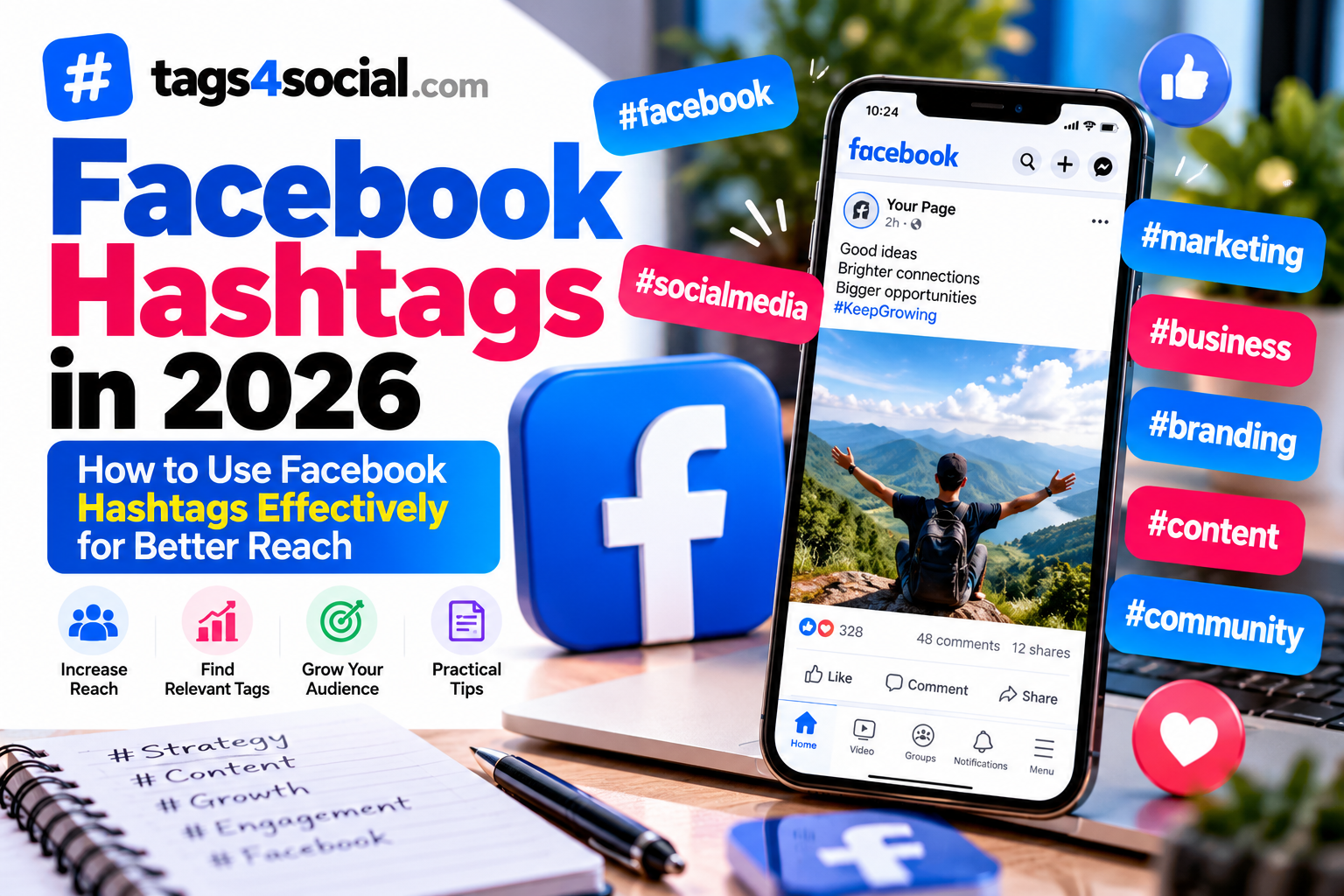
Facebook hashtags can help label the topic of a post and make your content easier to understand and organize. But adding a long list of random hashtags doesn't automatically improve your reach.
The better approach is simple: use hashtags when they add useful context to the post.
In this guide, we'll look at a practical way to choose Facebook hashtags in 2026 without relying on "viral hashtag" promises.
What Are Facebook Hashtags?
A Facebook hashtag is a word or phrase beginning with the # symbol.
For example:
- #DigitalMarketing
- #SmallBusiness
- #TravelTips
- #HomeDecor
- #MumbaiFood
Hashtags can identify the topic, niche, event, location or theme of a Facebook post.
The important part is relevance.
Someone looking at your hashtags should be able to understand what your post is actually about.
Start With the Main Topic of Your Post
Before choosing hashtags, identify the main subject.
For example:
Homemade chocolate cake recipe for beginners
Possible hashtags could include:
- #ChocolateCake
- #CakeRecipe
- #HomeBaking
- #BakingForBeginners
These tags directly describe the content.
Compare that with adding unrelated tags simply because they appear popular. Those hashtags may attract the wrong audience and provide little useful context.
Start with your content first and build the hashtags around it.
Use Specific Hashtags When Possible
Broad hashtags can describe your general category, but more specific hashtags often explain the post better.
For example, instead of relying entirely on:
- #Food
- #Travel
- #Business
- #Fitness
you can add more descriptive alternatives.
For a food post:
- #EasyRecipes
- #IndianRecipes
- #HomeCooking
For a travel post:
- #MumbaiTravel
- #BudgetTravelTips
- #WeekendGetaway
For a business post:
- #SmallBusinessTips
- #EcommerceTips
- #OnlineSelling
The goal isn't to make every hashtag extremely long. It's to give your post useful context.
Don't Copy the Same Hashtags Into Every Facebook Post
If your posts cover different subjects, your hashtags should usually change with them.
Imagine a small business page that posts:
- A new product launch
- A behind-the-scenes packing video
- A customer guide
- A festival offer
Using exactly the same hashtag list on all four posts ignores the differences between the content.
Instead, create hashtags around each individual post.
A product launch might use:
- #NewProduct
- #ProductLaunch
- #YourProductCategory
A packing video might use:
- #BehindTheScenes
- #SmallBusiness
- #OrderPacking
Your hashtags should describe the post, not simply your account.
Use Location Hashtags When They Add Context
Location hashtags can be useful for content connected to a particular city, region or destination.
For example:
- #MumbaiFood
- #DelhiEvents
- #GoaTravel
- #PuneBusiness
A post about a cafe in Mumbai has a clear reason to include a Mumbai-related hashtag.
A general productivity tutorial probably doesn't.
Only add location when it helps explain the content or audience.
Use Branded Hashtags Carefully
Businesses and creators can also use a branded hashtag.
For example, a fictional business called BrightBake might use:
#BrightBake
A branded hashtag can help connect posts associated with a business, campaign or community.
However, a branded hashtag is different from a descriptive hashtag.
Someone unfamiliar with the brand may not know what #BrightBake means.
You can therefore combine a branded hashtag with relevant descriptive tags.
For example:
- #BrightBake
- #ChocolateCake
- #MumbaiBakery
This provides both brand identity and topic context.
Avoid Hashtag Stuffing
Adding more hashtags doesn't necessarily make a Facebook post better.
A long block of loosely related hashtags can make the post look cluttered and may distract from the message.
Before adding each hashtag, ask:
- Does it describe my post?
- Is it relevant to my audience?
- Does it identify a useful niche?
- Does location matter?
- Is it connected to my brand or campaign?
If you can't explain why a hashtag belongs there, consider removing it.
You can use the Hashtag Formatter and other creator tools to clean and organize your hashtag list before posting.
Don't Chase Unrelated Trending Hashtags
Trending topics can be useful when your post genuinely relates to them.
But adding a trending hashtag to unrelated content just because it appears popular isn't a strong strategy.
For example, a stationery business shouldn't attach an unrelated sports-event hashtag to a notebook advertisement simply because the event is trending.
If your content genuinely connects to a trend, event or conversation, the hashtag may make sense.
If it doesn't, leave it out.
Relevance should come before popularity.
Think About Your Audience
Your hashtags can also describe who the content is intended for.
For example:
A Facebook post explaining simple marketing techniques for local shops could use:
- #SmallBusiness
- #LocalBusiness
- #MarketingTips
- #SmallBusinessMarketing
A post about beginner home workouts could use:
- #BeginnerFitness
- #HomeWorkout
- #FitnessTips
Knowing the intended audience can make it easier to choose meaningful tags.
Facebook Hashtags Are Only One Part of the Post
Hashtags can't rescue content that doesn't interest its intended audience.
Your post still needs a useful message, image, video, offer, story or idea.
Think of hashtags as supporting information rather than the entire strategy.
They can help describe the post, but they don't guarantee views, engagement, followers or sales.
Be cautious of any tool or list promising guaranteed reach simply from using particular hashtags.
Review Your Hashtags Before Posting
Before publishing your Facebook post, quickly review your hashtags.
Ask yourself:
- Does my main topic appear?
- Are the hashtags relevant to this specific post?
- Did I include unnecessary generic hashtags?
- Is location relevant?
- Am I repeating very similar hashtags?
- Did I add something only because it looked popular?
Removing weak hashtags can leave you with a cleaner and more focused set.
Generate Facebook Hashtag Ideas With Tags4Social
If you need ideas, open the Tags4Social generator and select Facebook.
Instead of entering something vague such as:
business
describe the actual post.
For example:
Tips for small ecommerce sellers to take better product photos using a smartphone
That gives the generator much more useful context about the topic, audience and purpose.
Possible directions could include:
- ecommerce
- product photography
- small business
- smartphone photography
- online selling
Review the suggestions and keep only the hashtags that accurately match your post.
You can then use the Tags4Social creator tools to format or clean your final list.
Should You Use the Same Hashtags on Facebook, Instagram and TikTok?
Not automatically.
Even when you publish similar content across several platforms, the context can be different.
Instead of blindly copying the exact same hashtag list everywhere, review it for each platform and post.
If you're also creating Instagram content, read how to choose the right Instagram hashtags in 2026.
For TikTok, see our guide to choosing TikTok hashtags in 2026.
And if you publish videos on YouTube, read how to choose the best YouTube tags for your videos.
Final Thoughts
Using Facebook hashtags effectively doesn't require finding a secret list of viral tags.
Start with the actual subject of your post.
Choose hashtags that accurately describe the topic, niche, audience, location or brand when relevant. Avoid stuffing posts with unrelated hashtags simply because they appear popular.
Keep the final selection focused and useful.
When you need inspiration, generate Facebook hashtag ideas with Tags4Social, review the suggestions and choose the ones that genuinely match your content.