How to Choose the Best YouTube Tags for Your Videos in 2026
Updated October 5, 2026
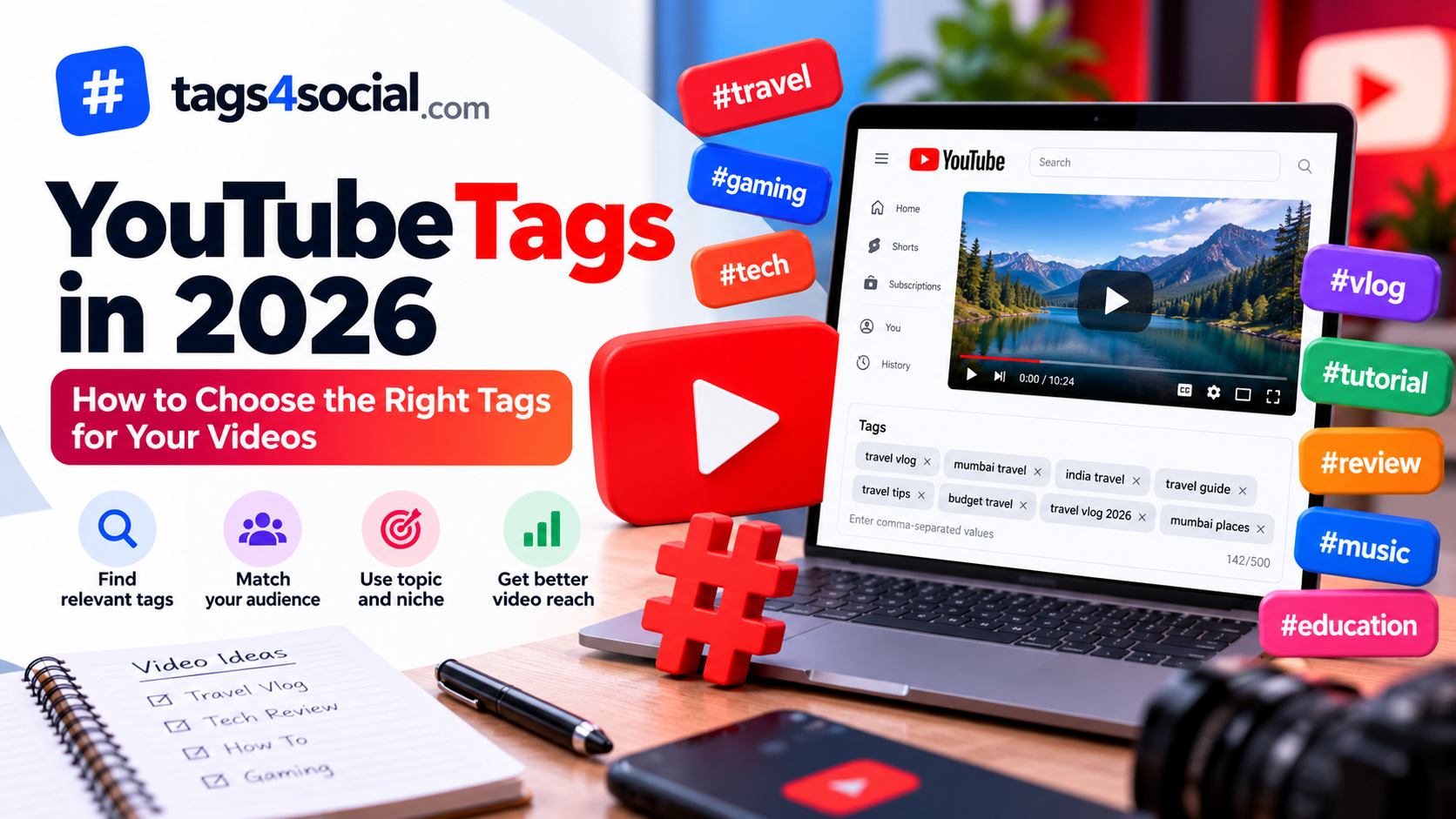
YouTube tags are one of several pieces of information creators can use to describe a video. They can provide additional context about your topic, particularly when different words or phrases can describe the same subject.
But filling the tag field with random popular keywords isn't a good strategy.
A better approach is to create a focused set of tags that accurately describes your video.
Start With the Exact Video Topic
Begin with the main subject of your video.
For example, imagine your video is:
How to Make Cold Coffee at Home
Your starting tags might include:
- cold coffee
- cold coffee recipe
- homemade cold coffee
- how to make cold coffee
These phrases describe what the viewer will actually find in the video.
Use Specific Search Phrases
Single broad words often provide very little context.
For example:
- gaming
- cooking
- fitness
- travel
Instead, consider phrases that describe the actual subject.
For a beginner home workout video, you might use:
- home workout for beginners
- beginner workout at home
- no equipment workout
- 15 minute home workout
Specific phrases communicate much more about the content.
Include Useful Variations
People don't always describe the same topic in exactly the same way.
Suppose your video is about editing photos on a phone.
Relevant variations might include:
- mobile photo editing
- phone photo editing
- edit photos on phone
- smartphone photo editing
- mobile photography editing
These are different ways of describing closely related ideas.
Avoid creating dozens of awkward variations simply to fill space. Use variations that sound natural and accurately represent the video.
Mix Broad and Specific Tags
A useful tag list can contain different levels of specificity.
Broad
- photography
- photo editing
- mobile photography
More specific
- mobile photo editing
- smartphone photography tips
- photo editing tutorial
Very specific
- mobile photo editing for beginners
- how to edit photos on phone
- smartphone photo editing tutorial
This gives the tag set both general context and more precise descriptions.
Match the Tags to Viewer Intent
Think about why someone would want to watch your video.
A video titled:
GTA 6 Beginner Guide
could potentially use tags such as:
- gta 6
- gta 6 guide
- gta 6 beginner guide
- gta 6 tips
- gta 6 gameplay guide
But unrelated gaming tags shouldn't be added simply because they are popular.
The tags should describe the actual video.
Don't Stuff Unrelated Keywords
Keyword stuffing means adding lots of words or phrases that have little connection to the content.
For example, adding the names of unrelated games, celebrities, creators, or trending events to a video simply to attract searches can make your metadata less accurate.
Keep your tags focused on what viewers will actually see.
Use Your Video Title as Context
Your title is one of the best starting points for brainstorming tags.
Take this example:
How to Bake Chocolate Cake Without an Oven
Potential tags could include:
- chocolate cake
- chocolate cake recipe
- cake without oven
- no oven chocolate cake
- homemade chocolate cake
- how to make chocolate cake without oven
Notice how the tags remain closely connected to the title while covering useful variations.
Think About Common Misspellings Carefully
YouTube has historically described tags as potentially useful when content is commonly misspelled.
That doesn't mean every tag list needs spelling mistakes.
Only consider a variation when there is a genuine reason someone may describe or spell your subject differently.
Don't fill the tag field with intentionally incorrect words.
Don't Treat Tags as a Ranking Guarantee
Tags alone cannot guarantee views, impressions, subscribers, or rankings.
Video performance can depend on many factors, including the content itself, title, thumbnail, viewer response, topic and audience.
Be cautious of tools promising that a particular set of "viral tags" will automatically rank a video.
A tag generator should help you discover relevant ideas, not promise results.
Keep Within YouTube's Tag Limit
YouTube's tag field has a character limit, so there is no benefit in generating an unlimited list that won't fit.
Prioritize your strongest and most relevant phrases first.
Tags4Social's YouTube generator keeps track of the total characters in your selected tags so you can build a focused set without manually counting everything.
Review Your Tags Before Publishing
Before using your final tag list, ask:
- Does each tag accurately describe my video?
- Are my most important topics represented?
- Do I have useful specific phrases?
- Have I added unrelated popular keywords?
- Am I repeating nearly identical tags unnecessarily?
- Would someone searching this phrase reasonably expect my video?
If a tag doesn't pass that test, consider removing it.
Generate YouTube Tag Ideas With Tags4Social
You can use Tags4Social to create YouTube tag ideas from a description of your video.
For better suggestions, provide meaningful context.
Instead of:
gaming video
try:
GTA 6 beginner guide showing early missions, money tips and gameplay strategies
More context gives the generator more information about what your video is actually about.
Tags4Social can then organize relevant suggestions and keep track of the characters used by your selected YouTube tags.
Review the suggestions, remove anything that doesn't fit your video, add your own phrases if necessary, and copy your final selection.
Final Thoughts
Good YouTube tags begin with relevance.
Describe the main topic, include useful variations, add specific phrases where appropriate and remove anything unrelated to the actual video.
Don't treat tags as a shortcut to guaranteed views.
Instead, use them as one part of accurate video metadata alongside a clear title, useful description, strong thumbnail and content that delivers what the viewer expects.
Tags4Social can help you brainstorm and organize tag ideas, but the final selection should always reflect your actual video.
Try the Tags4Social Generator for your next video.