How to Choose the Right TikTok Hashtags in 2026
Updated October 7, 2026
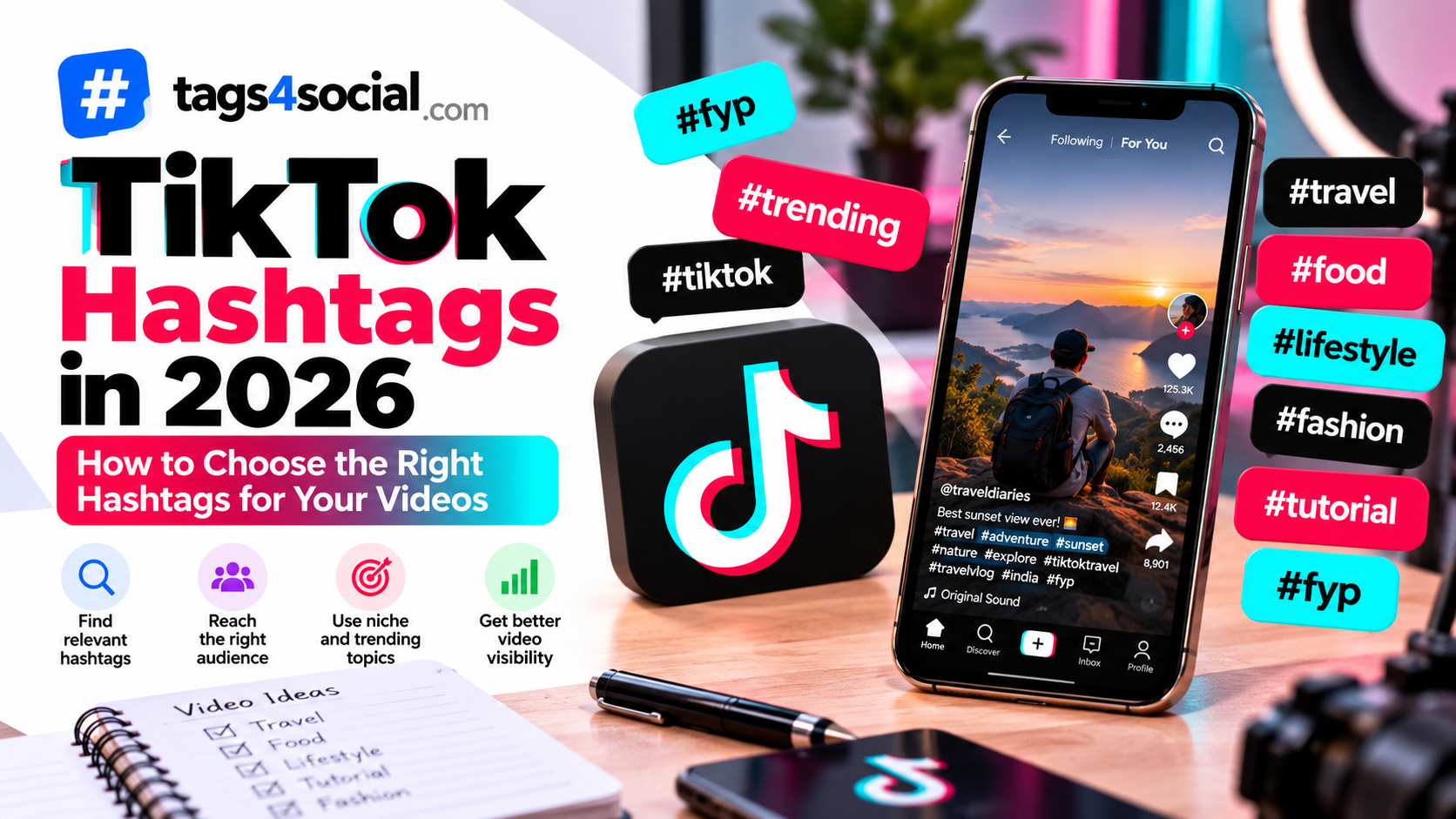
TikTok hashtags can help describe what your video is about and give additional context to your content. But using random trending hashtags doesn't automatically mean more views.
A better strategy is to choose hashtags that genuinely match your video, topic, audience and niche.
In this guide, we'll look at a practical way to choose TikTok hashtags in 2026 without relying on fake "viral hashtag" promises.
Start With What Your TikTok Is Actually About
Before looking for hashtags, describe your video in one sentence.
For example:
Easy 10-minute pasta recipe for college students
That immediately gives you several possible hashtag directions:
- #PastaRecipe
- #EasyRecipes
- #CollegeMeals
- #QuickMeals
- #StudentCooking
Each hashtag connects directly to something in the video.
That's much more useful than starting with a list of unrelated popular hashtags.
Use a Mix of Broad and Specific Hashtags
Different hashtags can describe your content at different levels.
Broad hashtags
These describe the general niche.
For a fitness video:
- #Fitness
- #Workout
- #Exercise
More specific hashtags
These narrow down the subject.
- #HomeWorkout
- #FitnessTips
- #BeginnerWorkout
Very specific hashtags
These describe the actual video or intended audience.
- #HomeWorkoutForBeginners
- #NoEquipmentWorkout
- #15MinuteWorkout
You don't need every possible variation.
Choose a focused combination that accurately represents the video.
Think About What Someone Might Search For
TikTok is not only a feed. People also use it to search for tutorials, recommendations, reviews, recipes, places, ideas and answers.
Think about the phrases someone interested in your content might use.
For example, if your TikTok demonstrates a simple phone photography trick, relevant ideas could include:
- phone photography
- mobile photography tips
- smartphone camera tips
- photography for beginners
Those ideas could lead to hashtags such as:
- #PhonePhotography
- #MobilePhotography
- #PhotographyTips
- #BeginnerPhotography
If you need help pulling useful phrases from a longer description, try the Keyword Extractor and other creator tools.
Match Hashtags to the Video, Not Just Your Account
Your account may have one overall niche, but individual videos can cover different subjects.
Imagine you run a travel account.
One video is:
Best street food to try in Mumbai
Another is:
Three-day Goa itinerary
Both are travel content, but using exactly the same hashtags for both would ignore what makes each video different.
The Mumbai video might use:
- #MumbaiFood
- #MumbaiStreetFood
- #IndianFood
- #FoodTravel
The Goa video could use:
- #GoaTravel
- #GoaItinerary
- #IndiaTravel
- #TravelTips
Build hashtags around the individual video first.
Don't Add #FYP Just Because Everyone Else Does
You've probably seen hashtags such as:
- #FYP
- #ForYou
- #ForYouPage
- #Viral
Using one of these doesn't guarantee that TikTok will place your video on the For You feed or make it viral.
They also provide very little information about the actual subject of your video.
If you use broad discovery hashtags, don't let them replace hashtags that describe your content.
A video about an easy chocolate cake recipe is better described by #ChocolateCake and #EasyBaking than by a collection of generic "viral" hashtags.
Avoid Hashtag Stuffing
More hashtags don't automatically mean better hashtags.
Adding a large collection of loosely related terms can make your hashtag set less focused.
Before adding a hashtag, ask:
- Does this describe my video?
- Does it describe the audience?
- Does it describe the niche?
- Does it describe a useful location or subject?
- Would someone interested in this hashtag reasonably expect my video?
If the answer is no, you probably don't need it.
Use Location Hashtags When Location Matters
Location can be valuable context for certain TikTok videos.
For example:
- #MumbaiFood
- #PuneCafes
- #GoaTravel
- #DelhiShopping
These make sense when the location is actually important to the content.
A restaurant recommendation in Mumbai benefits from location context.
A general tutorial about editing photos probably doesn't need a city hashtag.
Use Niche Hashtags Naturally
Niche hashtags can help describe a more specific community or subject.
For example, instead of only:
#Gaming
a particular video might use:
- #PCGaming
- #GamingSetup
- #GamingTips
A beauty tutorial might use:
- #MakeupTutorial
- #BeginnerMakeup
- #EverydayMakeup
A small-business video might use:
- #SmallBusinessTips
- #EcommerceSeller
- #ProductPhotography
Specificity gives your hashtags more meaning.
Don't Use Unrelated Trending Hashtags
A trending hashtag may look attractive because many people are talking about it.
But if your video has nothing to do with that topic, adding it just to attract attention can misrepresent your content.
Trends are most useful when your content genuinely participates in the trend.
The same principle applies to celebrities, events, challenges, movies, games and news topics.
Relevance should come before popularity.
Hashtags Are Only One Part of TikTok Content
Hashtags aren't a replacement for the actual video.
Your opening seconds, subject, presentation, caption and ability to keep viewers interested can all matter.
Don't spend so much time looking for a magical hashtag combination that you ignore the content itself.
There is no responsible hashtag tool that can guarantee a particular number of views.
Review Your Hashtags Before Posting
Before publishing, quickly review your final selection.
Ask yourself:
- Is my main topic represented?
- Are these hashtags actually related to my video?
- Do I have some specific hashtags?
- Did I add anything only because it looks popular?
- Am I repeating several versions of essentially the same hashtag?
- Are there irrelevant trending hashtags I can remove?
A short review can turn a messy hashtag list into a much more focused one.
You can also use the Hashtag Formatter and creator tools to clean up your final hashtag set before posting.
Generate TikTok Hashtag Ideas With Tags4Social
If you're struggling to think of relevant hashtags, open the Tags4Social generator and select TikTok.
Give the generator a detailed description of your video rather than entering one generic word.
Instead of:
food
try:
Quick spicy paneer wrap recipe for college students that takes less than 15 minutes
The second description provides information about:
- the food
- the recipe type
- the audience
- the time
- the purpose
That gives the generator much better context for creating suggestions.
Review the generated hashtags, remove anything that doesn't accurately describe the video and add your own ideas when necessary.
Instagram Hashtags vs TikTok Hashtags
The basic principle of relevance applies across social platforms, but you shouldn't assume the exact same hashtag set is ideal everywhere.
Instagram and TikTok have different content formats, audiences and discovery experiences.
If you also create Instagram content, read our guide on how to choose the right Instagram hashtags in 2026.
For video creators publishing on YouTube as well, see how to choose the best YouTube tags for your videos.
This lets you build a platform-specific approach instead of copying one list everywhere.
Final Thoughts
Choosing TikTok hashtags doesn't need to be complicated.
Start with the actual subject of your video.
Add hashtags that describe the niche, audience, topic or location when relevant. Use specific phrases instead of relying entirely on broad terms, and avoid unrelated trending hashtags simply because they appear popular.
Most importantly, don't treat hashtags as a guaranteed growth trick.
Use them to accurately describe your content and support a broader content strategy.
When you need ideas, generate TikTok hashtags with Tags4Social, review the suggestions and build a final set that genuinely matches your video.